Learn how to view details of old payments in your library
Open the library and enter the Payments section.
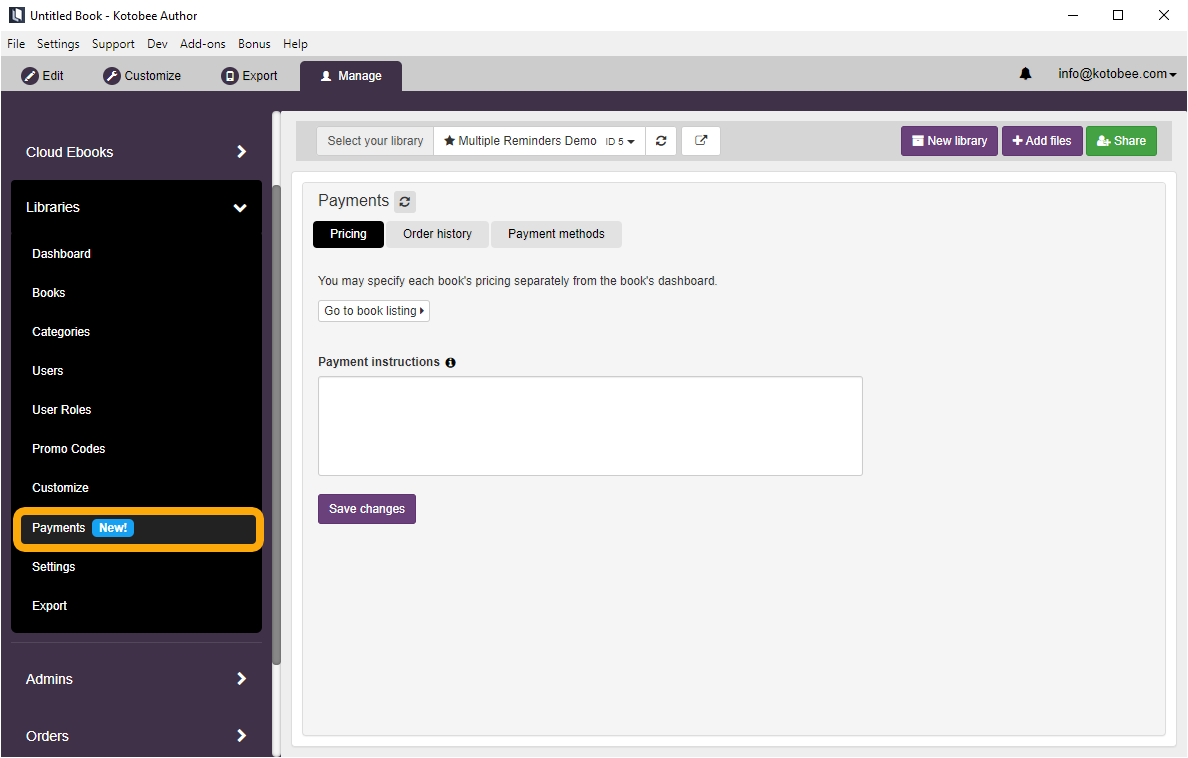
Click on the Order history tab.

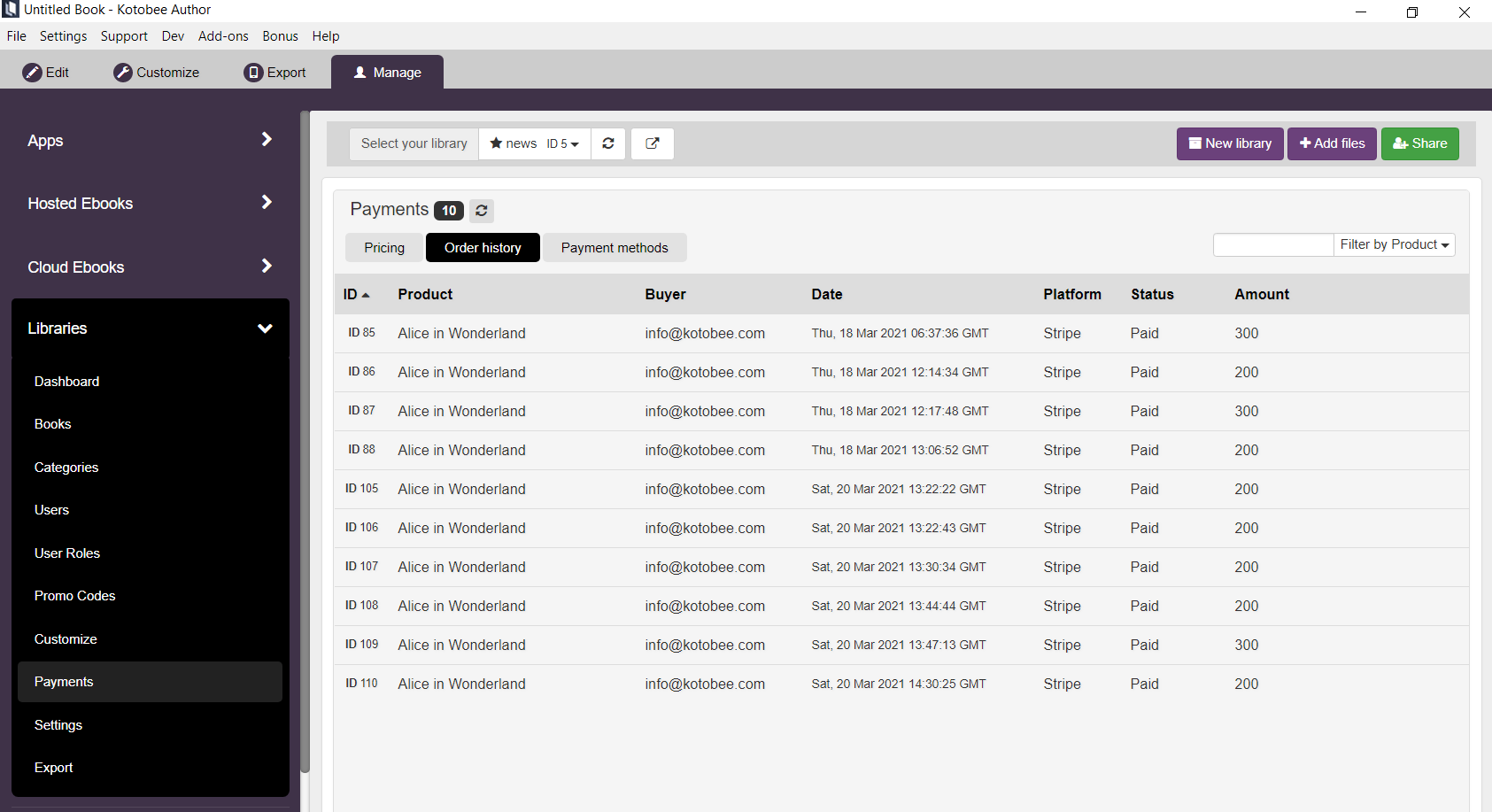
You will see a list of orders that you can filter or sort using different columns.

Modified on: Mon, 22 Mar, 2021 at 10:55 PM
Learn how to view details of old payments in your library
Open the library and enter the Payments section.
Click on the Order history tab.
You will see a list of orders that you can filter or sort using different columns.
Did you find it helpful? Yes No
Send feedback