
Learn how to add Moyasar as a payment method for your cloud ebook.
What is Moyasar?
Moyasar (مُيسّر) is an Arabic word that refers to both simplicity and usability. In essence, it means anything that is easy to do, use, or grasp.
Moyasar is a payment gateway that provides ePayment solutions with superior user experience. If you are a government agency, a company, or simply any institution that needs to accept ePayment, Moyasar provides you with effective ePayment solutions.
Create a Moyasar account
In order to use Moyasar, you need to have an active Moyasar account. To create a new Moyasar account, you may refer to Moyasar's docs page:
Steps to create a new Moyasar account
Moyasar’s Signup page
Get Your API Key
To collect payments using Moyasar, you need both a Publishable Key and a Secret Key. To get these keys, follow the steps below:
1. Open your Moyasar Account dashboard link: https://dashboard.moyasar.com/app
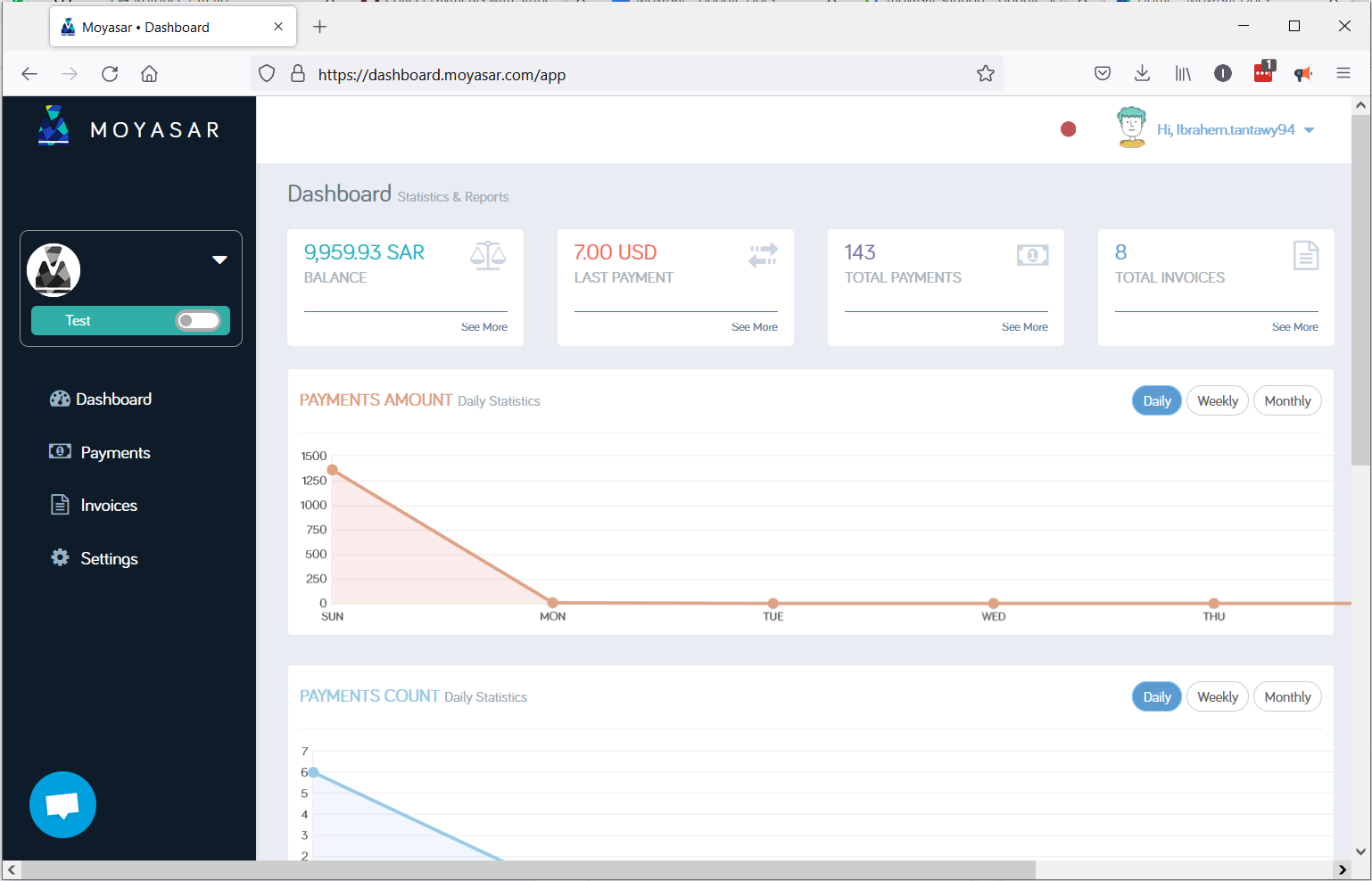
2. Click on Settings > Api Keys.
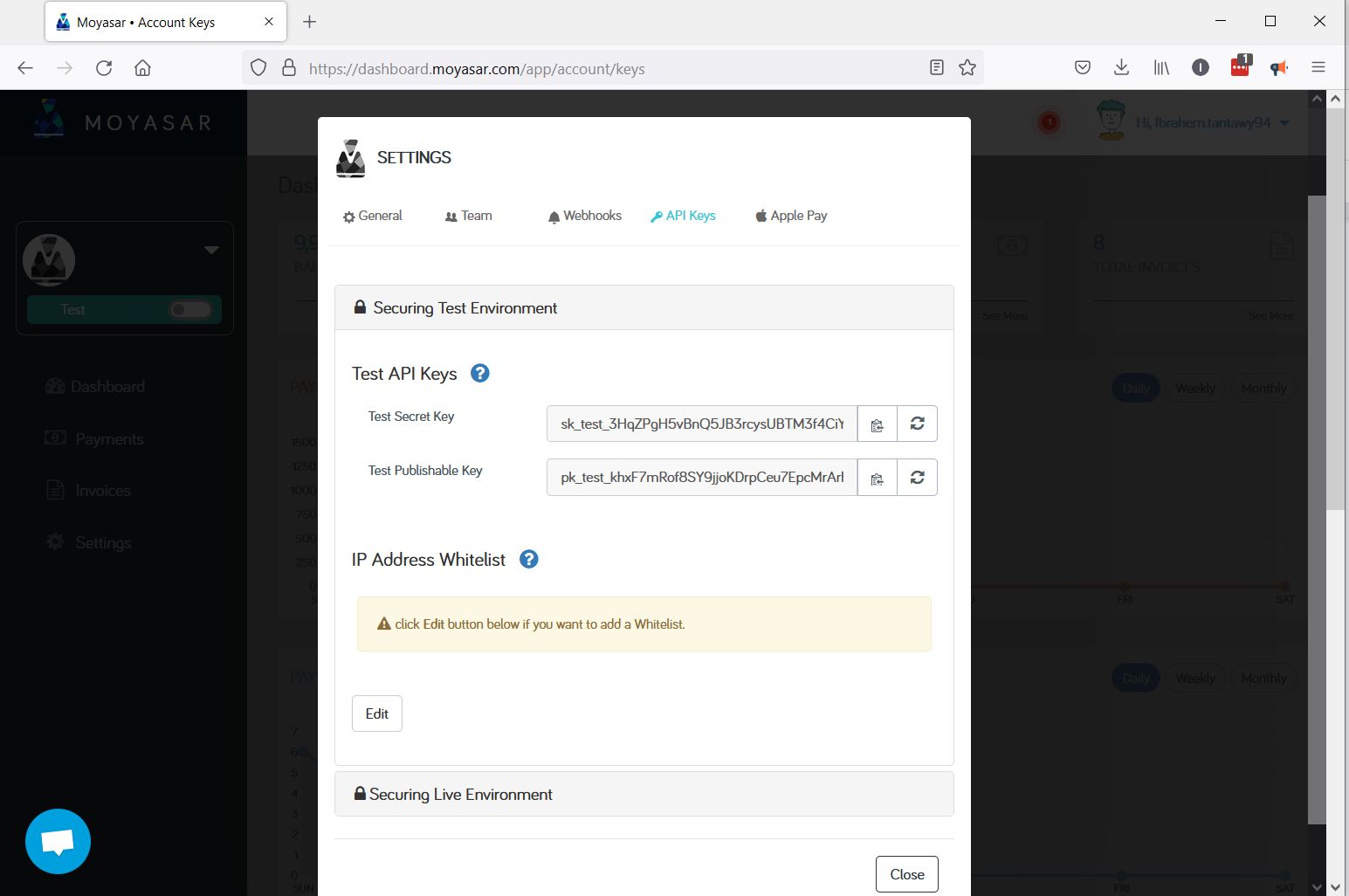
3. Copy your keys from there, to use inside Kotobee Author.
Add the API Key to Your Cloud Ebook
Important: If you are hosting your cloud ebook on your own website, you must enable HTTPS on your web server.
Open the cloud ebook and enter the Payments section.
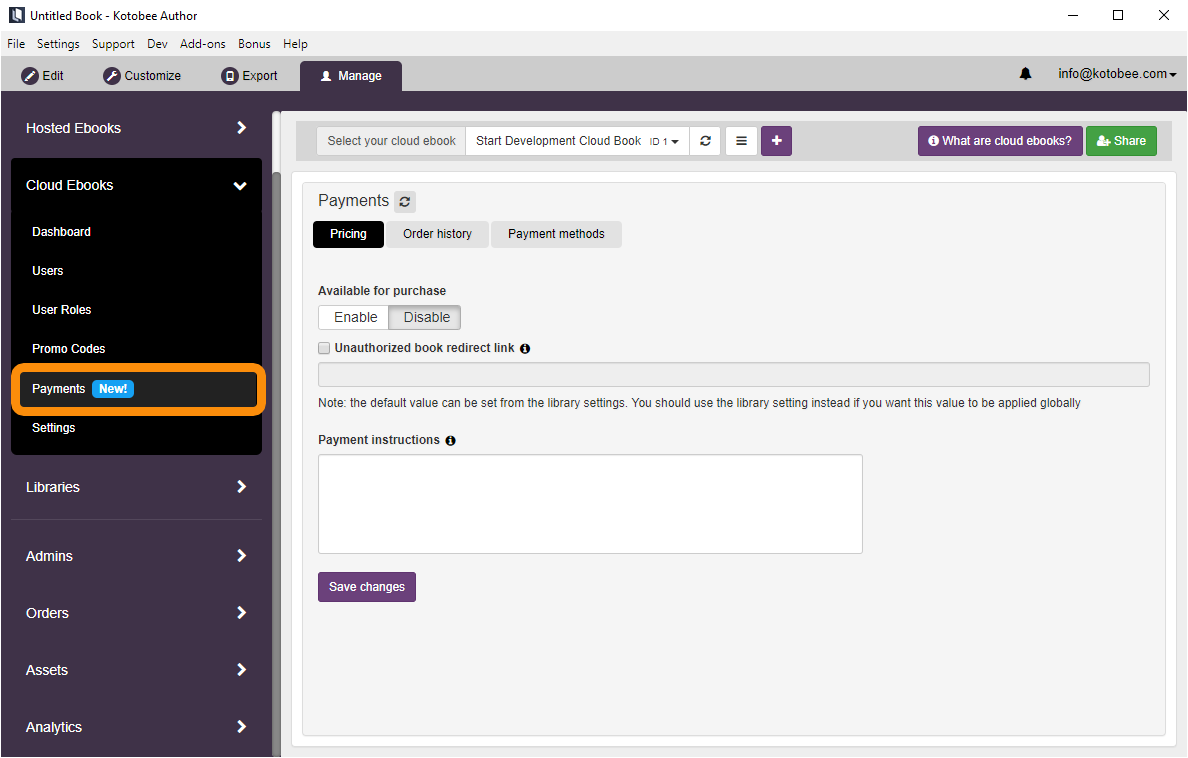
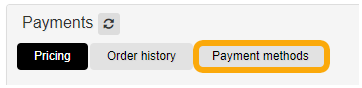
Click on the Payment methods tab.
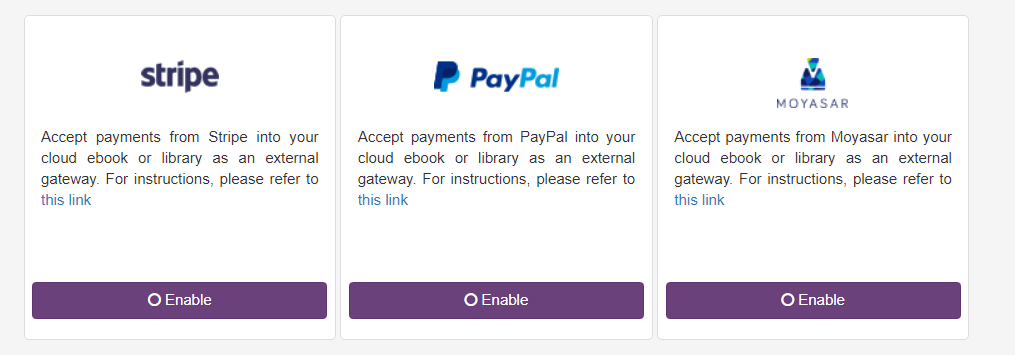
Click the Enable button under the Moyasar box, enter your API Key and click Save changes.
Test the Payment in Sandbox
Moyasar provides a test mode to use regulatory test credit card numbers to process transactions up to but not including the point the bank is actually charged. When setting up your API key in Stripe, they will provide you with both a test API key pair and a live pair.
You can setup your testing environment by following the steps listed on this page: https://moyasar.com/docs/payments/test-cards/