
Learn how to set the page animation in your ebook app. Kotobee Reader provides four ways for your pages to turn.
Click on the Customize tab in the top header to open the Customize Screen.
Click on the Display tab.
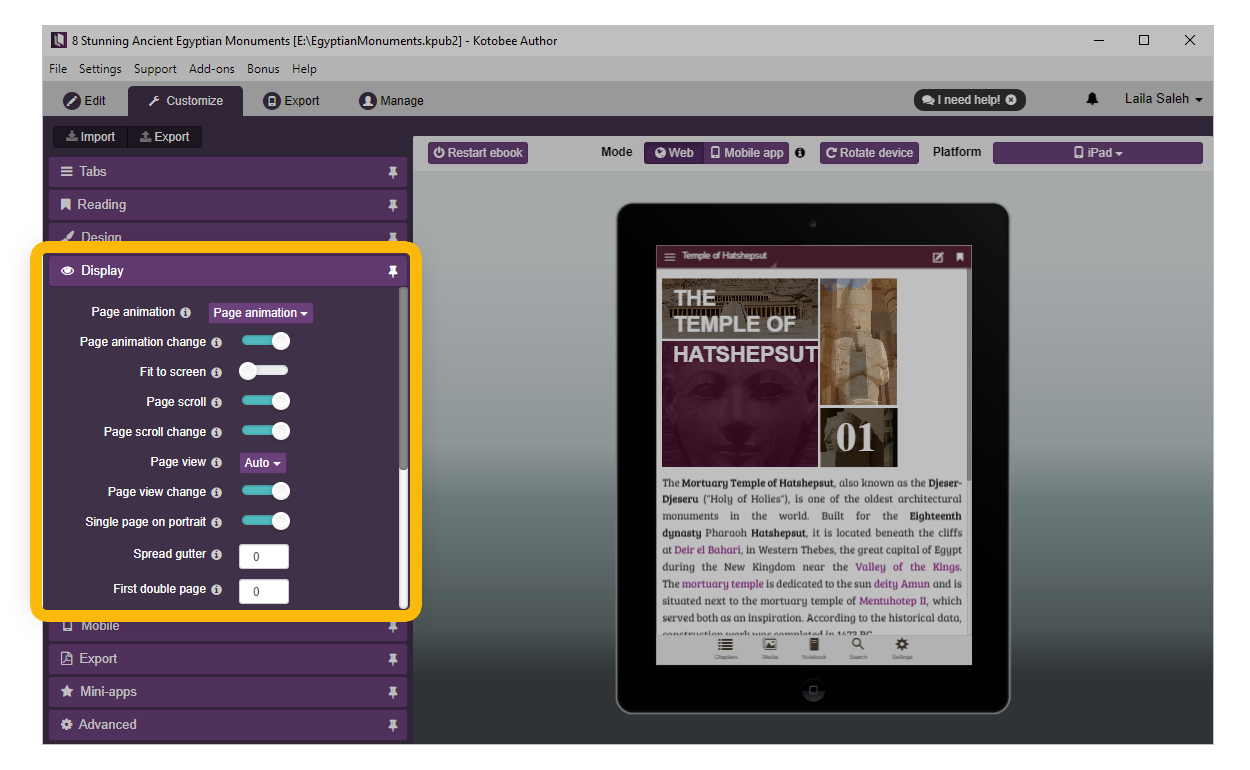
Select one of the available options from the drop-down menu next to Page Animation:
Page Flip: Adds a realistic page-turning effect that mimics flipping through a physical book.
Hardcover Flip: Simulates a rigid, book-cover style page turn with a firmer visual feel.
Card Flip: Flips pages like cards, creating a sharp, two-sided transition.
Slide: Slides pages horizontally as the reader moves between pages.
Stack: Stacks pages on top of each other during navigation.
Fade: Smoothly fades one page into the next.
Click on Enable next to Page Animation change if you want your readers to be able to change the page animation.
And there you have it, you're done.